

Business Automation: 7 Repetitive Tasks You Can Automate Today
Save hours every week by automating lead capture, replies, reminders, follow-ups, invoices, reports and reviews.
October 12, 20263 min read
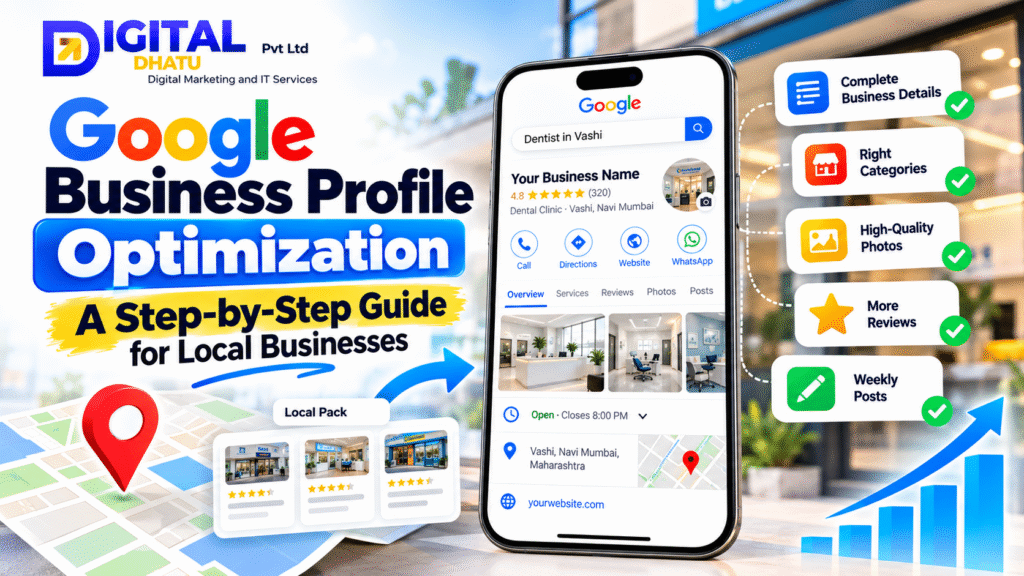
When someone nearby searches for a service like yours, whether “dentist in Vashi”, “CA near me” or “best bakery in Andheri”, Google usually shows a map with three businesses before any website. That box is called the Local Pack, and the businesses in it get most of the calls, direction requests and website visits.
The good news: your position there depends heavily on something you control, your Google Business Profile (formerly Google My Business). This guide walks you through exactly how to optimise it, step by step.
Search for your business name on Google. If a profile exists, click “Own this business?” to claim it. If not, create one at business.google.com. Google will verify you by phone, email, video or postcard. Verification is essential, because unverified profiles rarely rank well.
Google rewards accuracy and consistency. Make sure the following are complete and match your website exactly:
Your primary category is one of the strongest ranking factors. Choose the most specific option that describes your core business, for example “Dental clinic” rather than “Doctor”. Then add a few relevant secondary categories for your other services.
List every service you offer with a short description. Write a 600–750 character business description that naturally mentions what you do and where you do it. Write for customers first: clearly explain who you help and why they should choose you.
Profiles with photos receive far more direction requests and website clicks. Upload your logo, cover photo, office or shop exterior (so people recognise it), interior, team and work samples. Add new photos every month; it signals an active business.
Reviews influence both rankings and customer decisions. To get more of them:
Never buy fake reviews. Google actively removes them and can penalise or suspend your profile.
Google Posts let you share offers, events, new services and tips directly on your profile. Weekly posts keep your profile fresh and give customers another reason to contact you.
Add common questions and answers in the Q&A section yourself, covering parking, payment options, appointment process and so on. If you can reply quickly, enable messaging so customers can reach you directly from Google.
Your website and profile work together. Make sure your website has a clear page for each service, mentions your city and area naturally, loads fast on mobile and shows the same name, address and phone number as your profile.
Optimising a Google Business Profile properly takes time and consistency. At Digital Dhatu we set up, optimise and manage Google Business Profiles for clinics, shops and service businesses across Mumbai and Navi Mumbai. Learn about our SEO & Google Business Profile service or book a free profile audit.
Talk to our team for a free consultation, with no obligation.
Save hours every week by automating lead capture, replies, reminders, follow-ups, invoices, reports and reviews.
Practical, ethical strategies to help doctors, dentists and clinics attract more patients through Google, a trusted website, reviews and automation.
SEO or Google Ads? Understand the costs, speed and long-term value of each, and how to combine both for the best results.