CRM Software for Mumbai Businesses: Ready-Made vs Custom, and What It Actually Costs
By Ayush DubeyNovember 17, 202613 min read
Short answer: CRM software for Mumbai businesses replaces scattered Excel sheets and WhatsApp chats with one system that captures every enquiry, tracks it through stages, reminds your team to follow up, and shows what actually turns into a sale. A ready-made cloud CRM costs roughly Rs 800 to Rs 2,600 per user per month, a custom CRM roughly Rs 40,000 to Rs 2,00,000 or more to build once, and implementation for a 10-user team roughly Rs 1.5 lakh to Rs 3 lakh. This guide covers ready-made vs custom, the 5 things a CRM must do on day one, the 7 checks before you choose, and how to move your data without losing a single lead.
The trading firm in Andheri that lost a Rs 4 lakh order in a chat
A trading firm in Andheri had a problem it could not see, and it is why owners start looking at CRM software for Mumbai businesses. A customer asked for a quote on WhatsApp on Monday. The salesman replied, the customer asked a question, and the chat slid down under forty other chats. Nobody followed up. Three weeks later the customer bought from a competitor.
The firm had the lead, the price and a salesman who knew the product. What it did not have was a system that remembered the lead when the humans forgot. That is what a CRM does: it remembers. Every enquiry in one place, every follow-up dated, every quote tracked, every lost deal explained. Businesses do not buy a CRM because they love software. They buy it because they are tired of losing sales they already won.
What a CRM actually does: one system instead of five places
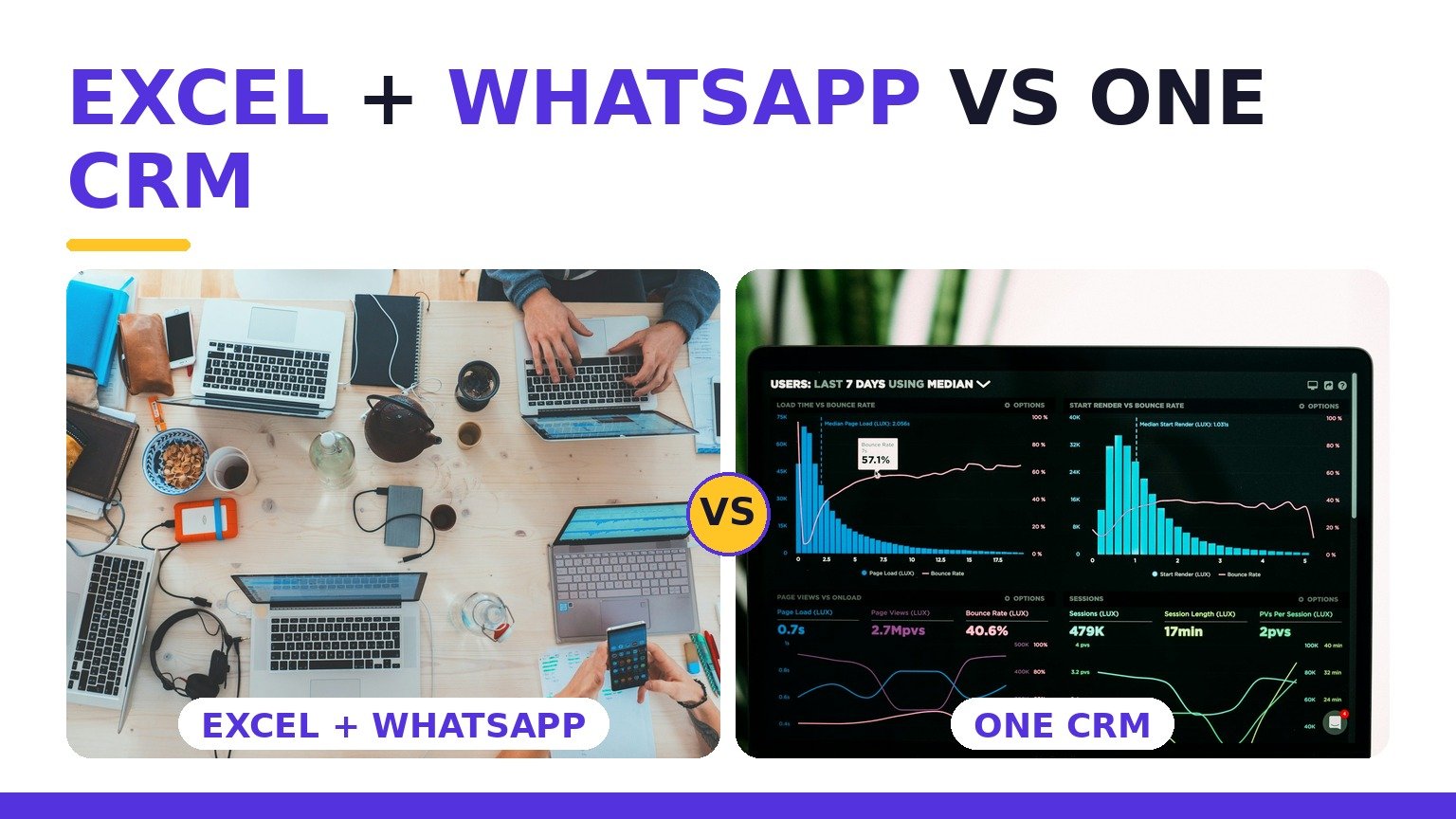
A CRM, a customer relationship management system, is one place where every customer and enquiry lives. For most Mumbai businesses today, that information lives in five places at once.
Excel holds the names and a “status” column nobody updated since last month. WhatsApp holds the real conversation, the price quoted and the promise made. The salesman’s head holds the rest, and that leaves with him when he resigns.
A CRM pulls all five into one record per customer. When a customer calls, anyone in the office can see the last conversation, quote, payment and next follow-up date. When a salesman leaves, the customers stay. When the owner asks how many open quotes there are this week, the answer is a report, not a guess.
The 5 things a CRM must do on day one
A CRM that cannot do these five things on day one will not be used on day thirty. Check for them before anything else.
1. Capture every enquiry automatically. An enquiry from the website form, a WhatsApp message, a phone call or an ad must land in the CRM without anyone typing it twice. If the team has to copy-paste leads in by hand, they will stop within a week. For the lead side of this, see our guide to “lead generation for Mumbai businesses“.
2. Show stages, not just names. A list of names is a phone book. A CRM must show where each enquiry stands: new, contacted, quote sent, negotiation, won, lost. The owner should see the whole pipeline in one screen, and every stuck deal in it.
3. Remind the team to follow up. A follow-up date on every open enquiry, and a reminder when it arrives. The CRM should also record what happened on the call, so the next person does not repeat the same questions.
4. Talk to WhatsApp. Mumbai runs on WhatsApp, and a CRM that cannot send or record a WhatsApp message will be bypassed within days. The team will go back to chatting directly, and the CRM becomes a graveyard of old data. WhatsApp Business is the starting point for most teams; our guide to “WhatsApp automation for Mumbai businesses” shows how the handover should work, and the official “WhatsApp Business” site explains the tools available.
5. Show reports the owner will actually read. Enquiries this week, quotes sent, deals won, deals lost and why. One page, once a week. If the report needs a training session to understand, nobody will open it twice.
Ready-made vs custom: how to choose by team size and workflow
There are two kinds of CRM, and the right one depends on your team, not the sales pitch.
A ready-made cloud CRM is software you rent: Zoho CRM, HubSpot, Freshsales, LeadSquared, Bigin and others. You pay per user per month, the company hosts, updates and supports it, and you start in days. For most Mumbai businesses with 3 to 50 users, this is the right answer.
A custom CRM is software built for your business alone. You pay once to build it, there is no per-user licence fee, and it matches your exact workflow: stages, forms, billing and reports. It takes 4 to 8 weeks to build, and you pay for support and hosting separately.
Choose ready-made when your sales process is fairly standard, you need to start this month, your team is small, and you are happy to adapt your process slightly to the tool. Most trading firms, clinics, real estate teams and service businesses fall here.
Choose custom when your workflow is genuinely unusual, you have more than 50 users and the per-user fees add up to more than a build, or you need deep links to billing, inventory or in-house systems. For the wider build-vs-buy question, see our guide to “custom software development in Mumbai“.
What a CRM should include for a Mumbai sales team
Beyond the five day-one essentials, a CRM for a Mumbai team should handle the realities of selling here.
Invoicing and billing links. For trading and service businesses, the CRM should connect to billing, or at least record which quotes became invoices. A CRM that cannot tell you which quotes turned into money is a contacts list, not a sales system.
Mobile access that works on a cheap phone. Your field team will open the CRM on Android phones, often on slow data. If the app is slow or the mobile view is broken, the field team will stop using it and the office will be back to phone calls.
The 7 checks before you choose a CRM
1. Will the team actually use it every day?
This is where most CRM projects fail, and it is the first check for a reason. Ask for a trial with two of your own salespeople, using your own real leads, for two weeks. If they stop opening it in week two, the CRM is wrong, whatever the brochure says. A CRM your team hates holds no data.
2. Can it capture a lead from WhatsApp, the website and a phone call?
Test it with a real enquiry from each channel. If any channel needs manual typing, leads will be lost at that channel first.
3. Is the data migration included, and who does it?
Moving from Excel and WhatsApp is the hardest part of the project. Ask who cleans the data, removes the duplicates, maps the old columns to the new fields, and what happens to the leads that do not fit neatly. A migration done badly loses leads, and a migration nobody owns does not happen.
4. What does it cost when the team grows?
A price that looks cheap for 5 users can become expensive at 20. Ask for the bill at 5, 10 and 20 users, on annual and monthly billing, with GST included.
5. Who owns the customer data, and can you export it?
You should own your customer data outright and be able to export all of it, in a usable format, at any time. If the system makes export difficult, you are locked in, and the price can rise later with no way out.
6. What support do you actually get?
A phone number, a response time in writing, and support in a language your team speaks. Email-only support will not help when the system is down on a Monday morning.
7. What happens when someone leaves the team?
Can you disable a user in one minute, reassign their open leads, and see everything they did? If a departing employee can take the customer list with them, the CRM has failed at its most basic job.
Moving from Excel and WhatsApp without losing leads
Start with the live leads, not the history. Move the open enquiries first: the quotes sent this month, the negotiations in progress, the customers who owe a follow-up. Old history can follow later. Trying to move five years of sheets in week one will stall the project.
Clean before you move. Remove duplicates, fix wrong numbers, and agree on one spelling of each customer name. A CRM that starts with dirty data is distrusted from day one.
Keep WhatsApp history linked, not copied. You do not need to paste every chat into the CRM. The customer’s record should show the last conversation and the last promise. Link the chat or note the summary, and move on.
Run both systems for two weeks, not two months. A long overlap means the team uses the old system and ignores the new one. Two weeks, with a fixed switch-off date, forces the move.
Train on real work, not on slides. The training should be one hour, on the team’s own live leads, on their own phones. A slide deck about features will be forgotten by lunch.
What it costs in 2026
There is no single price for a CRM. These are published market ranges for India in 2026, not Digital Dhatu prices. Every figure below is a range, not a quote.
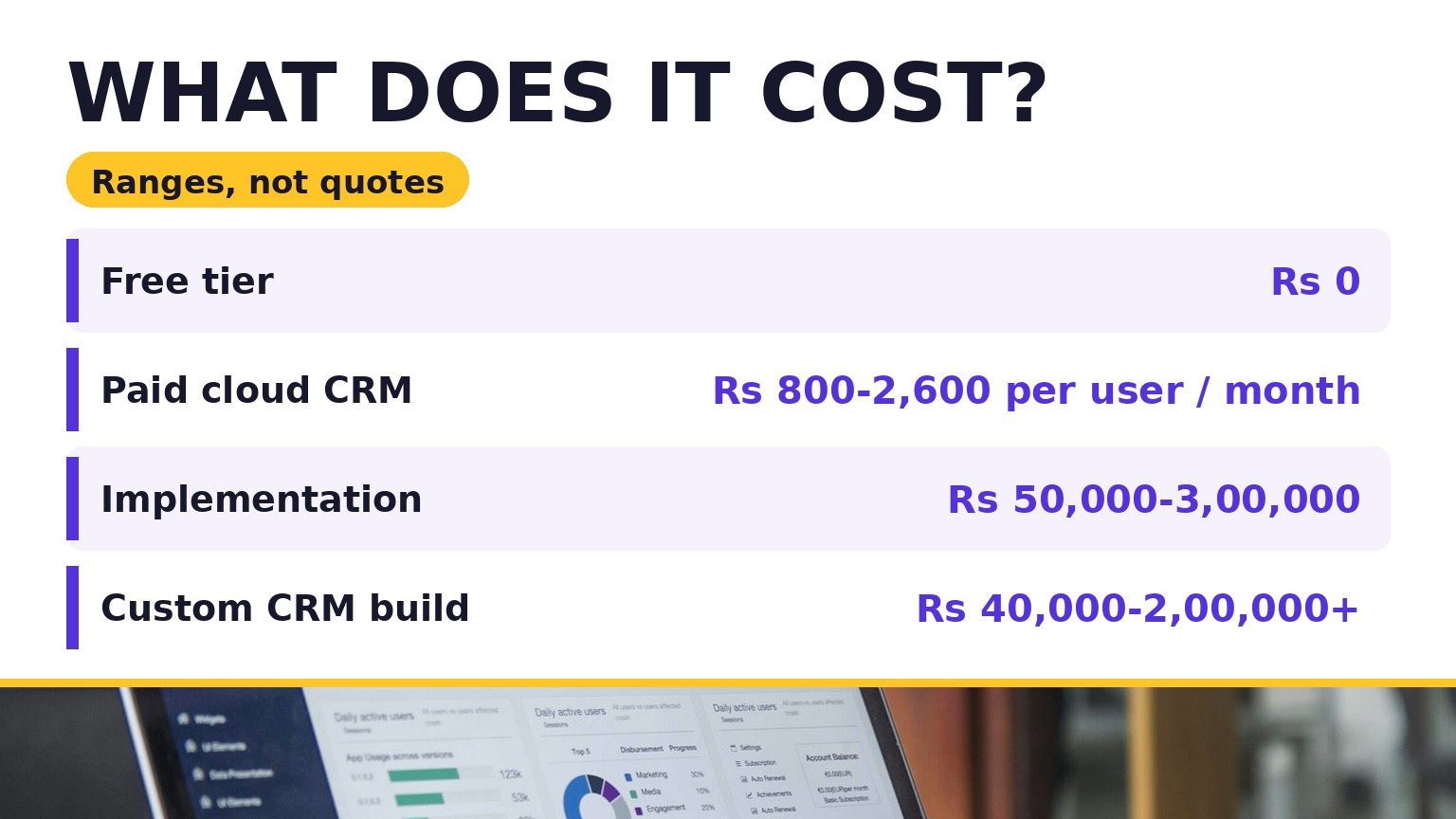
Free tier cloud CRM. Rs 0, for up to 3 users with capped features. Right for a solo founder or a 2 to 3 person team trying a CRM for the first time.
Paid cloud CRM. Roughly Rs 300 to Rs 1,500 per user per month across the market, and usable small-team plans cost roughly Rs 1,000 to Rs 2,500 per month for a small team, not per person. Zoho CRM, the most widely used option in India, lists Standard at Rs 800 per user per month, Professional at Rs 1,400, Enterprise at Rs 2,400 and Ultimate at Rs 2,600, on annual billing, excluding 18% GST; monthly billing costs more. Check the current figures on the official “Zoho CRM pricing” page before you buy.
Implementation for 10 users. Roughly Rs 1.5 lakh to Rs 3 lakh fixed for a partner implementation, taking 4 to 8 weeks with about 30 days of support included. Simpler set-ups start from around USD 500 and can go live within 2 weeks. Across the market, implementation for Indian small businesses typically runs roughly Rs 50,000 to Rs 3,00,000.
Custom CRM, one-time build. Roughly Rs 40,000 to Rs 2,00,000 or more, with no per-user licence fee; ongoing support roughly Rs 2,000 to Rs 10,000 a month.
The right question is not “what is the cheapest CRM” but what the first year costs in total, and whether the team will still use it in month six. A CRM that costs Rs 800 a user and is used every day is cheaper than a free one nobody opens.
Will your team actually use the CRM?
Teams use a CRM when it saves them time: a lead arriving already filled in, a follow-up reminder before they forget, a quote sent in two taps, and the boss no longer asking for the same update three times a day. Teams abandon a CRM when it adds work: typing the same lead twice, a slow mobile app, fields that do not match how they sell, and reports nobody looks at.
Three things make adoption work. First, the owner uses the CRM too and asks for the pipeline report from it, not from a phone call. Second, the CRM is the only place a lead lives, so there is no parallel Excel sheet. Third, the team is trained on their own live leads, and the first week is a learning week, not a test.
If the team will not use it, no feature list will save the project. Buy the CRM your team will open, not the one with the longest brochure.
FAQ: CRM software for Mumbai businesses
How much does CRM software cost for a small business in Mumbai?
A free tier costs Rs 0 for up to 3 users. Paid cloud CRMs cost roughly Rs 800 to Rs 2,600 per user per month on annual billing, excluding GST, with Zoho CRM Standard at Rs 800 and Professional at Rs 1,400. Implementation for a 10-user team costs roughly Rs 1.5 lakh to Rs 3 lakh, and a custom CRM roughly Rs 40,000 to Rs 2,00,000 or more to build once. These are published market ranges, not quotes.
Ready-made or custom CRM: which is right for my business?
Ready-made is right for most businesses with 3 to 50 users, a fairly standard sales process, and a need to start this month. Custom is right when your workflow is genuinely unusual, when you have more than 50 users, or when you need deep links to billing, inventory or in-house systems. When in doubt, start ready-made for six months and learn what you actually need.
What should a CRM include for a Mumbai sales team?
It must capture every enquiry automatically, show pipeline stages, remind the team to follow up, work with WhatsApp, and show simple reports in rupees. It must also work well on a cheap Android phone on slow data, where your field team will open it.
How long does it take to set up and move my data from Excel?
A cloud CRM can be running in days. A partner implementation for 10 users typically takes 4 to 8 weeks including migration and training; a custom CRM takes roughly 4 to 8 weeks to build. Move the live leads first, clean the data before you move it, and run both systems for two weeks with a fixed switch-off date.
Will my team actually use the CRM?
They will if it saves them time: leads arriving filled in, follow-up reminders, quotes in two taps, and the boss asking for the pipeline from the CRM instead of a phone call. They will abandon it if it adds work, if the mobile app is slow, or if a parallel Excel sheet still exists. Trial it with two of your own salespeople on your own real leads for two weeks first.
Who owns my customer data?
You should, outright. The contract should say so, and you should be able to export all of your data in a usable format at any time. If export is difficult, or the data sits in an account the vendor controls, you are locked in.
Talk to Digital Dhatu before you choose a CRM
A CRM is not a software purchase, it is a change in how your business remembers its customers, and the cheapest mistake is buying the wrong one. Bring your current process to a “free consultation” and we will tell you honestly whether you need a ready-made CRM, a custom one, or a simpler fix first. Digital Dhatu builds websites, software and “business automation” across Mumbai, Navi Mumbai and Thane, and our “IT solutions” team can set up, migrate and support the system your team will actually use every day.
Share:
Want results like these for your business?
Talk to our team for a free consultation, with no obligation.
Start with the free foundations: a complete Google Business Profile with real photos and correct hours, a WhatsApp catalogue of your stock, and 3 to 5…
A basic AMC covers repairs when things break, while managed IT support prevents most breaks in the first place: monitoring, patching, backup checks and a helpdesk…
Short answer: Start with the four apps that matter: Google Business Profile, Zomato, Swiggy, and Instagram. A single-outlet cafe spends around Rs 35,000 to 80,000 a…